

App For Teams

Read our comprehensive review of App For Teams to see how this all-in-one meeting companion streamlines your virtual conferences on Mac.
A Smarter Way to Manage Virtual Meetings
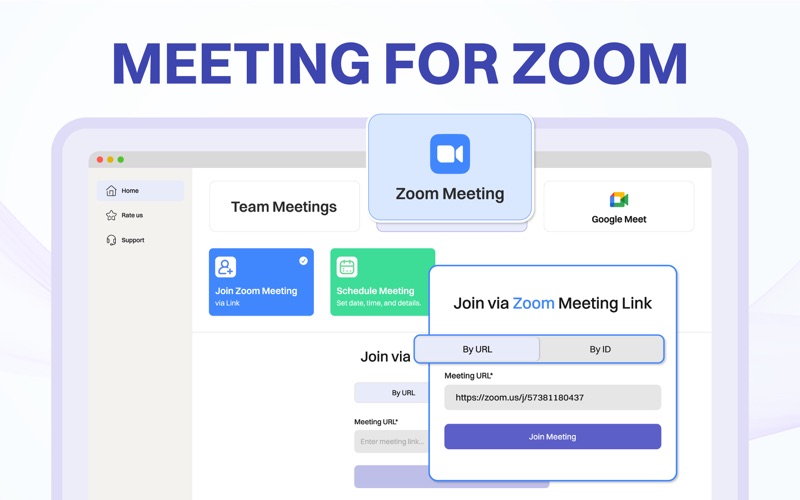
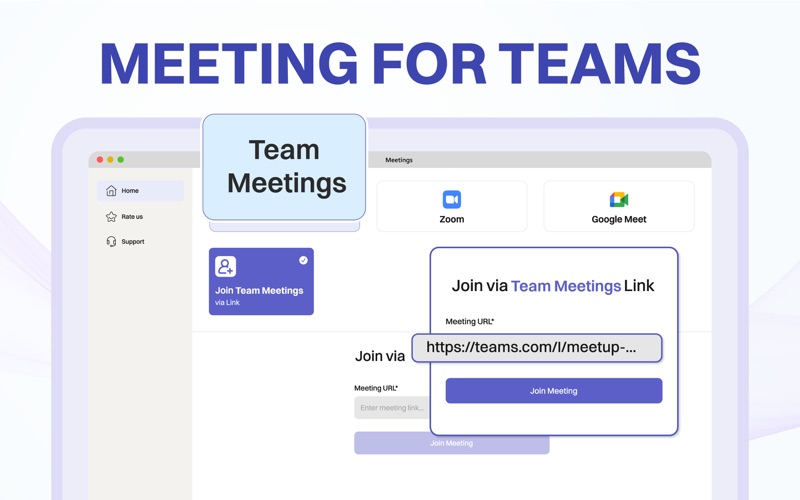
For modern professionals and busy students, navigating multiple virtual meeting platforms can be a daily hassle. App For Teams virtual meeting companion simplifies this experience by consolidating your scheduling and meeting access into a single, highly refined Mac interface. Instead of constantly hunting for invite links across emails and chat apps, this utility acts as a central command center for Zoom, Google Meet, and Microsoft Teams.
Key Features of App For Teams
Designed specifically to reduce pre-meeting friction, the software brings several notable features to the desktop:
- One-Click Join System: Instantly launch into your next call with a single click, bypassing the typical ritual of searching through calendar invites.
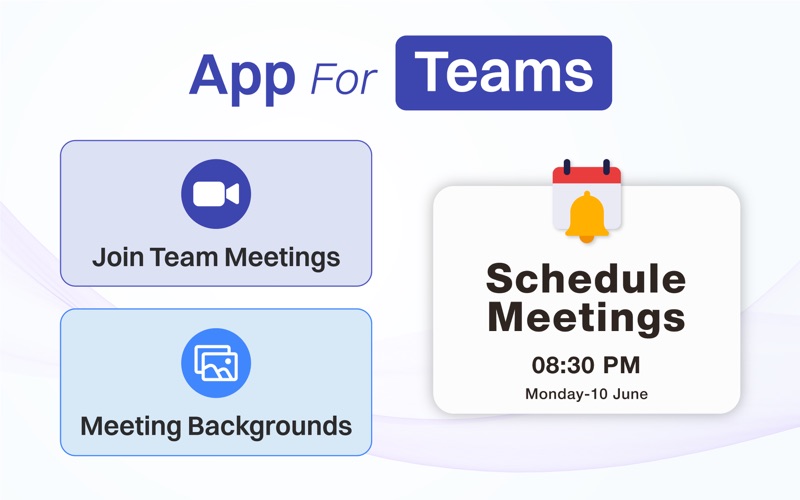
- Smart Scheduling Dashboard: View and manage your upcoming schedule in a unified space, helping you prepare for your workday more efficiently.
- HD Virtual Backgrounds: Personalize your video presence with an integrated library of high-definition images and videos, perfect for maintaining a professional look in any environment.
- Streamlined Mac UI: A clean, intuitive layout designed to stay out of your way until you need it.
Who is This Meeting Companion For?
If your daily workflow involves jumping between different video conferencing clients, you know how disjointed the experience can feel. App For Teams virtual meeting companion is tailored for remote workers, freelancers, and educators who demand a more organized desktop. By bridging the gap between major platforms, it allows you to focus on the actual content of your meetings rather than the logistics of joining them.
Flexible Plans and Accessibility
Developed by Oxycode LLC FZ, this communication utility is free to download on Mac. Users can explore its capabilities with a 3-day free trial, after which several flexible subscription options—including weekly, monthly, yearly, and lifetime plans—are available to suit different budgets and usage patterns.
Enhance Your Virtual Workflow Today
If you are ready to cut through the digital clutter and bring order to your daily video calls, this utility offers a highly practical solution. You can learn more about its features and read user feedback by visiting the official Mac App Store page.