

Kdenlive
Explore our comprehensive review of Kdenlive, the powerful open-source video editor for Linux. Discover its professional features and advanced editing tools.
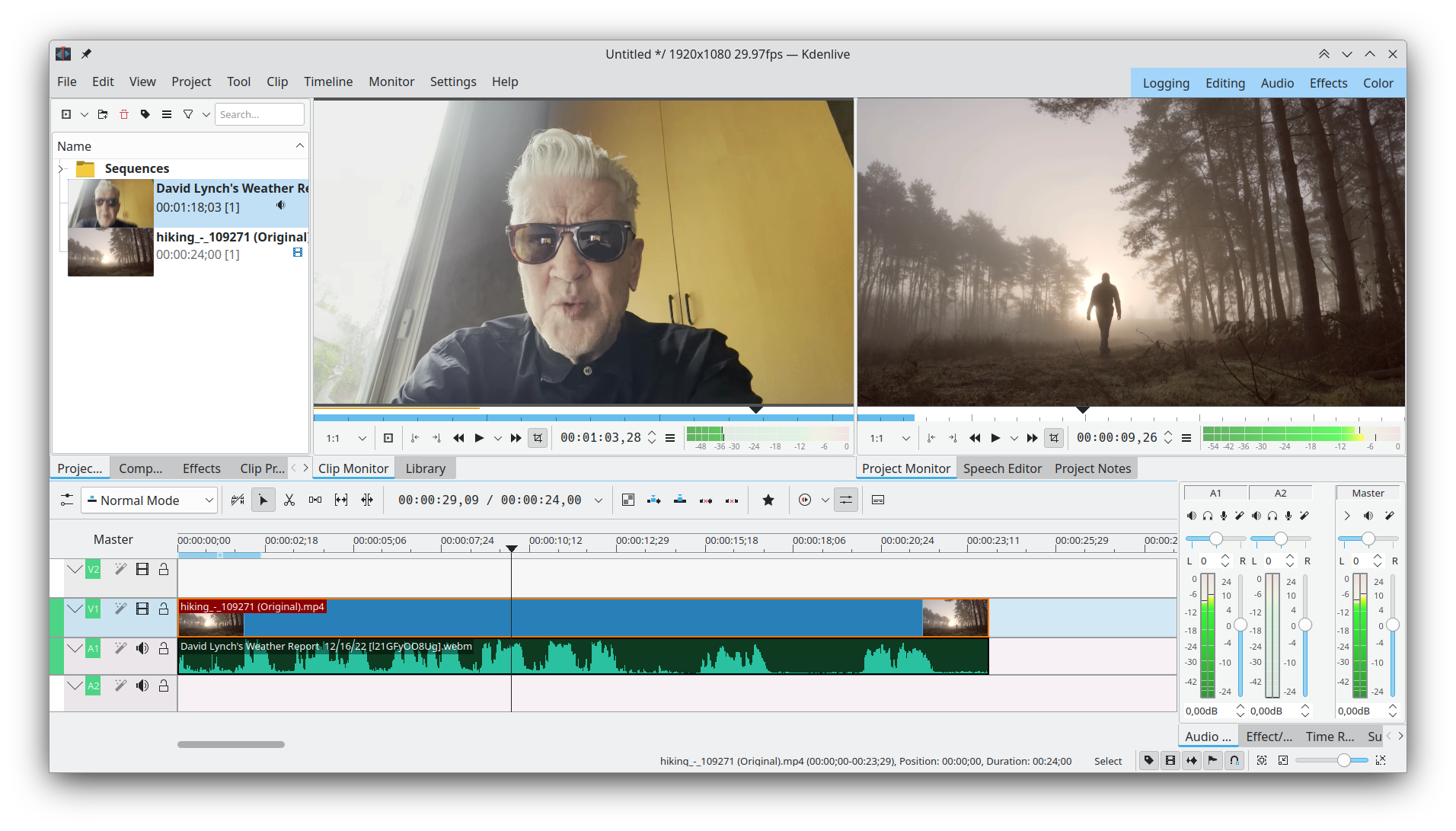
When searching for a robust, production-grade video editor, Linux users often face a dilemma between overly simplified tools and expensive proprietary suites. The Kdenlive video editor bridges this gap perfectly, offering an enterprise-grade, open-source workstation tailored for creators who demand precise control over their timeline. Developed by the respected KDE community, this software delivers professional-tier post-production capabilities without the financial barrier.
Who Benefits Most from the Kdenlive Video Editor?
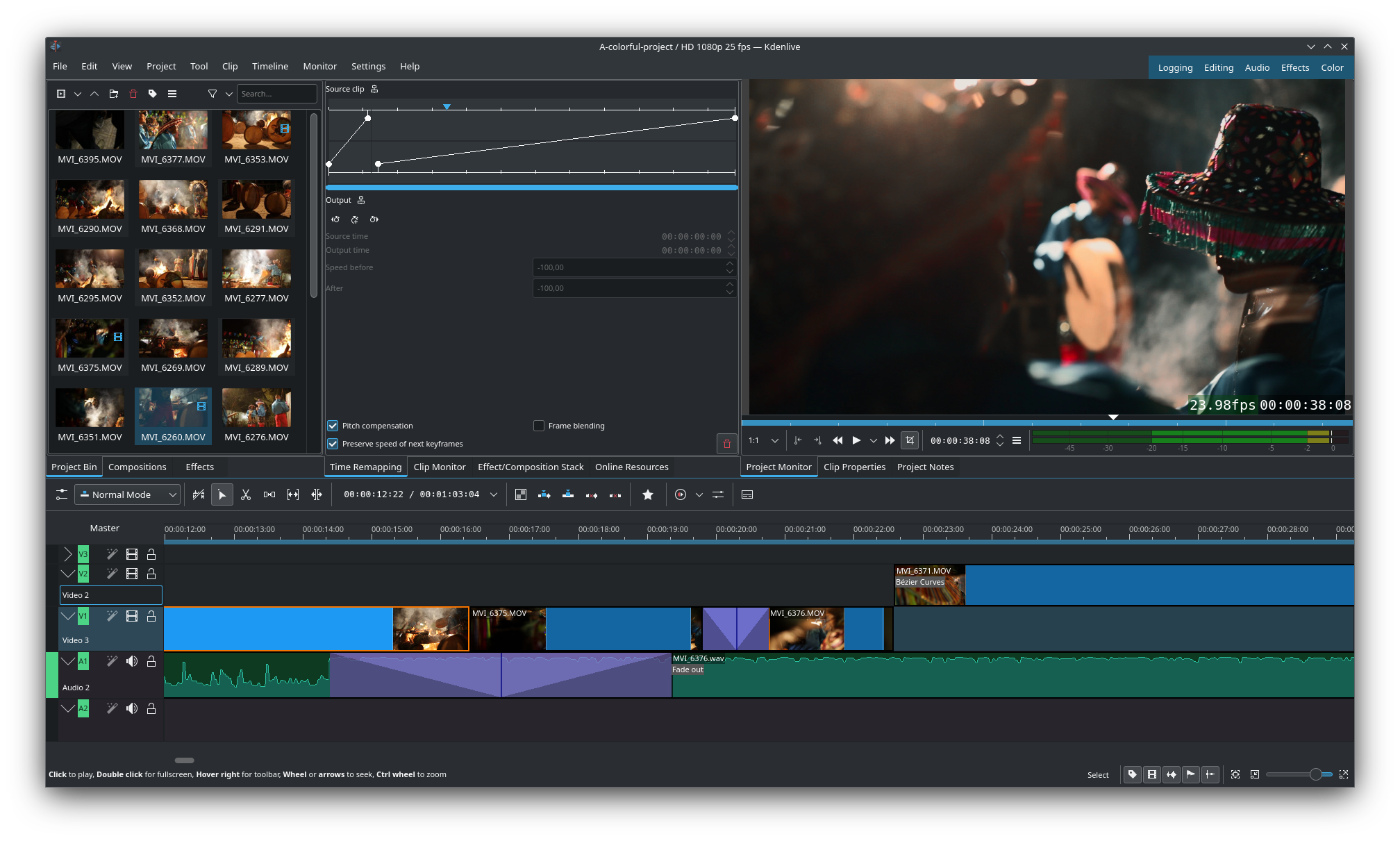
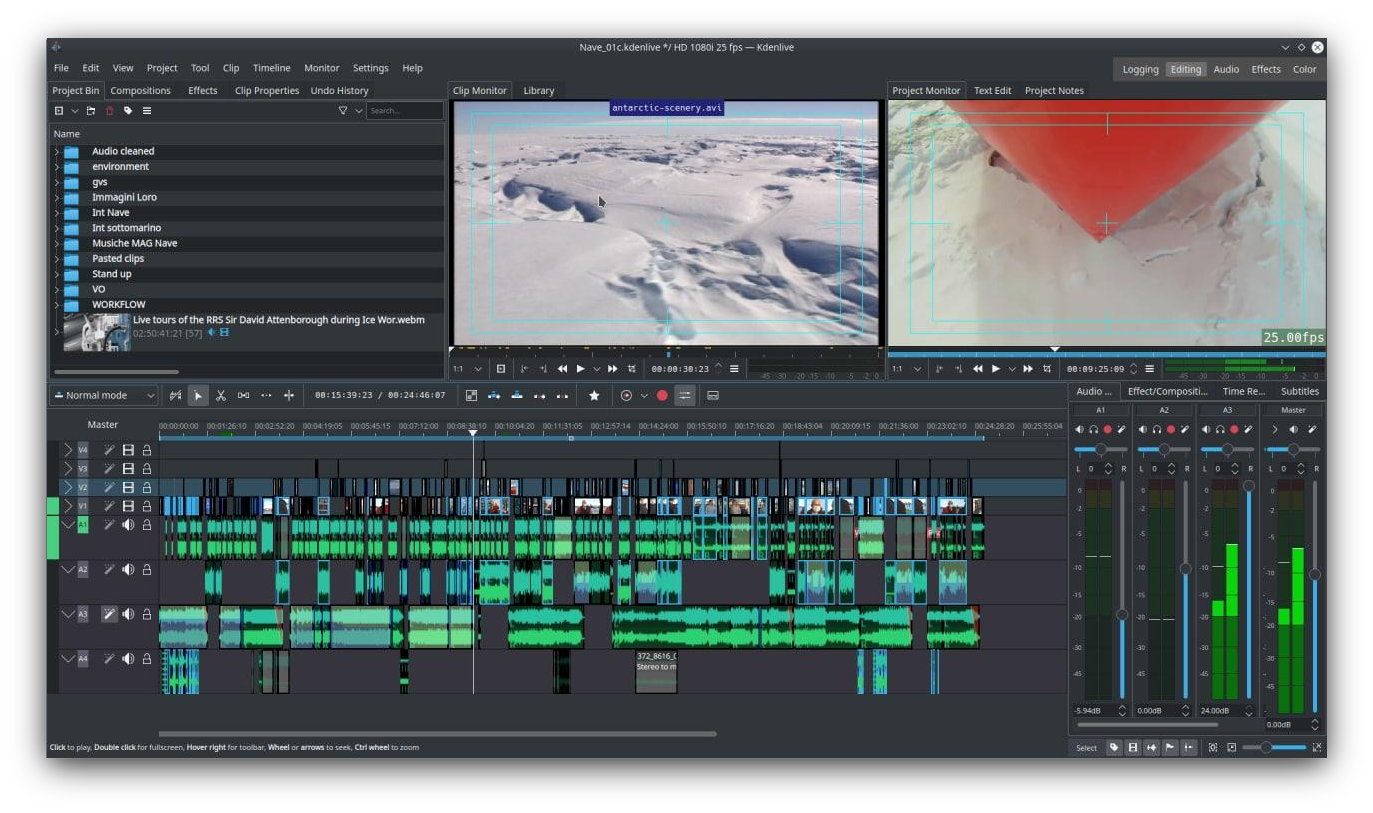
This software is specifically engineered for independent filmmakers, content creators, and educators working within the Linux ecosystem. Whether you are assembling a quick social media clip or cutting a feature-length documentary, its multi-track timeline adapts seamlessly to your workflow. Because it supports an incredibly wide array of audio and video formats natively, editors can skip the tedious pre-conversion phase and start cutting immediately.
Advanced Post-Production Features
The Kdenlive video editor stands out by offering features typically reserved for high-end commercial suites:
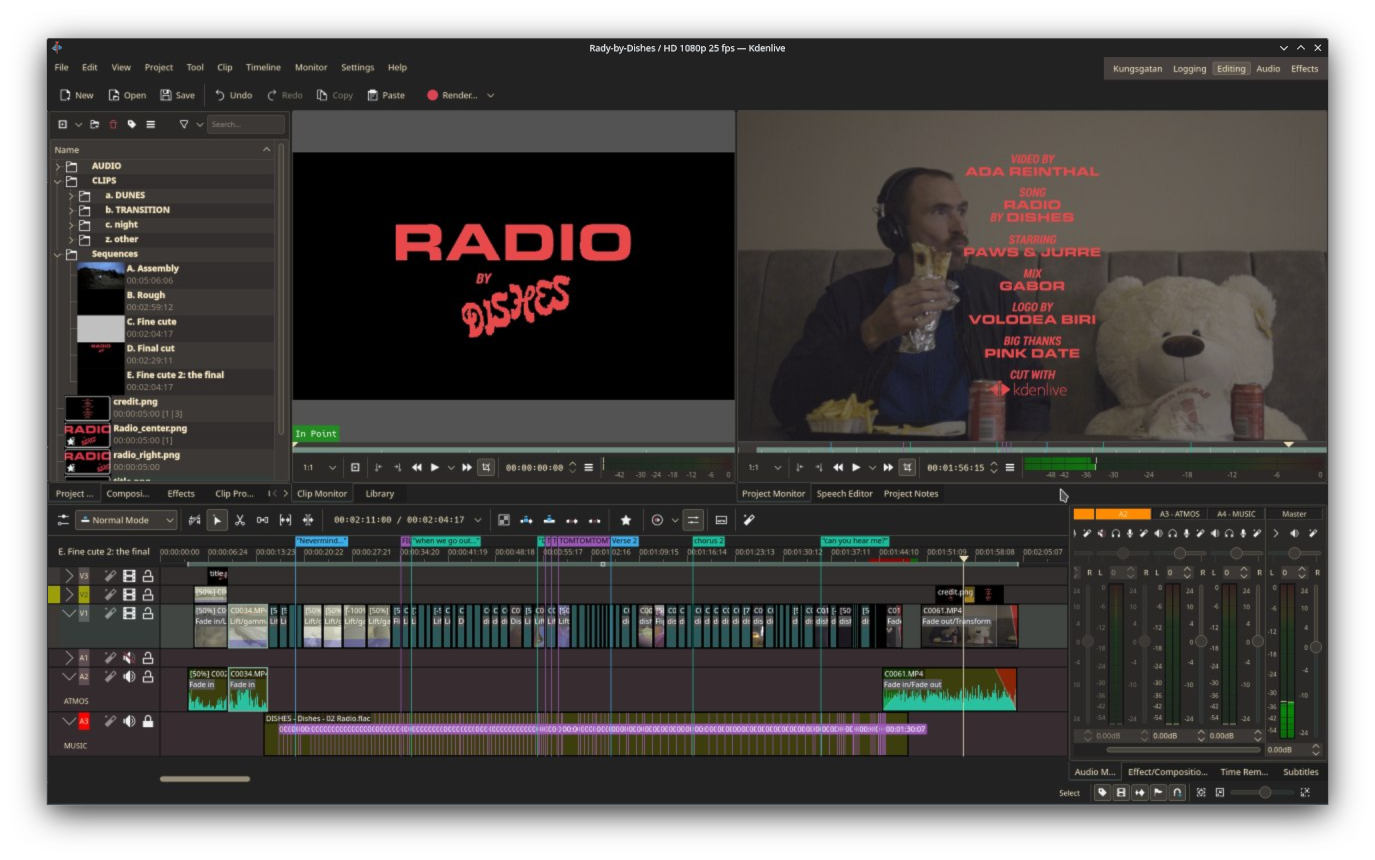
- Nested Sequences: Simplify complex projects by grouping separate timelines into a single track, keeping your workspace clean and organized.
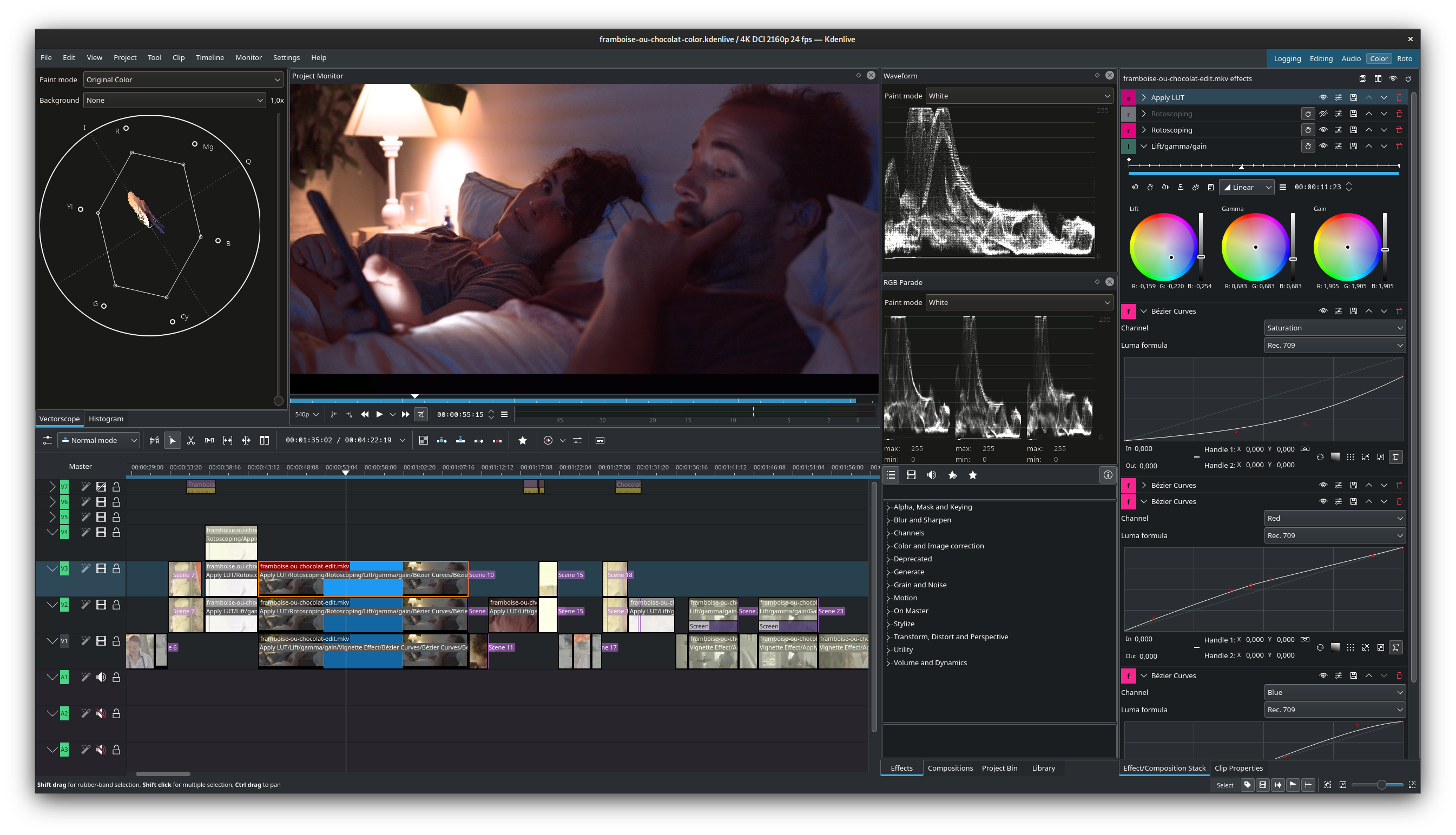
- Professional Scopes: Monitor your video quality in real-time using advanced diagnostic tools, including Waveform, RGB Parade, Vectorscope, and Histogram.
- AI-Powered Tools: Speed up your editing process with automated features designed to handle repetitive tasks and complex motion tracking.
- Proxy Editing: Edit high-resolution footage smoothly on modest hardware by generating lightweight temporary copies of your source files.
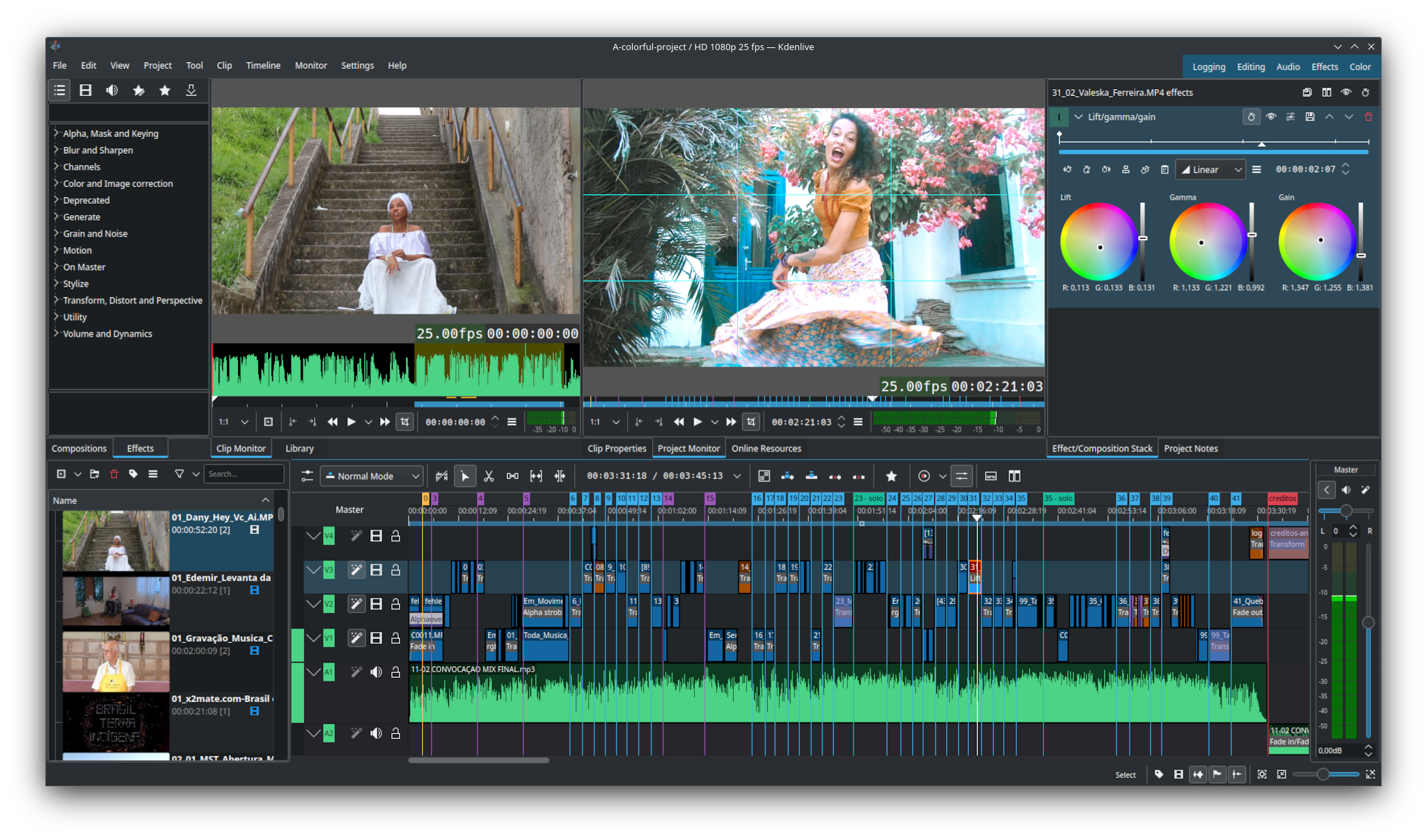
- Highly Configurable Interface: Tailor the workspace layout and keyboard shortcuts to match your exact editing preferences and muscle memory.
A Complete Creative Suite
Beyond standard cutting tools, the software excels in audio post-production and integrated subtitling. Editors can balance audio levels using the built-in Audio Meter, apply sophisticated transitions, and perform precise color correction within a unified interface. Furthermore, users can access a rich library of free online assets and templates directly inside the application, helping to speed up project turnaround times.
Our Editorial Verdict
For Linux users seeking a highly capable, non-linear editing solution, the Kdenlive video editor remains one of the premier choices available today. It combines deep technical control with an intuitive, modular design. To explore this powerful creative tool for yourself, visit the official Flathub store page to learn more about its installation options.