
Aow Tools Android Management
Discover Aow Tools, a Windows utility designed to streamline how you connect, install, and manage Android devices and emulators directly from your PC.
Streamlining PC-to-Android Management
Aow Tools Android management software offers Windows users a straightforward, lightweight utility designed to bridge the gap between their PC and Android environments. Developed by touchwp, this specialized utility simplifies the process of controlling connected mobile devices or virtual emulators without requiring complex command-line interfaces. Whether you are a developer testing builds or a power user organizing files, this utility provides a centralized control hub directly on your desktop.
Key Features of Aow Tools
The application focuses on core device management tasks, stripping away unnecessary bloat to deliver a responsive user experience. Here is what you can accomplish with the tool:
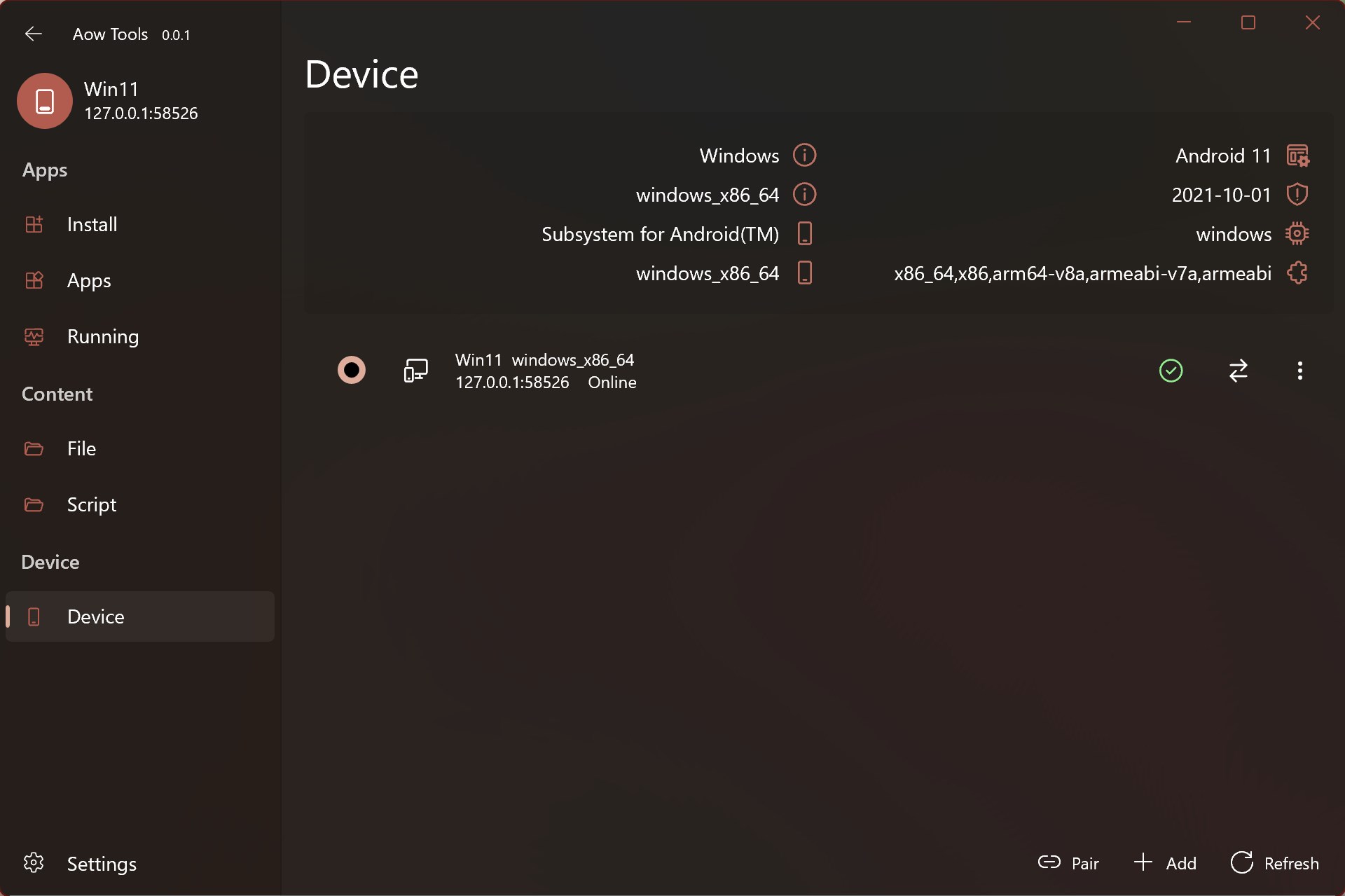
- Seamless Device Connectivity: Quickly connect to physical Android devices or active emulators running on your Windows machine.
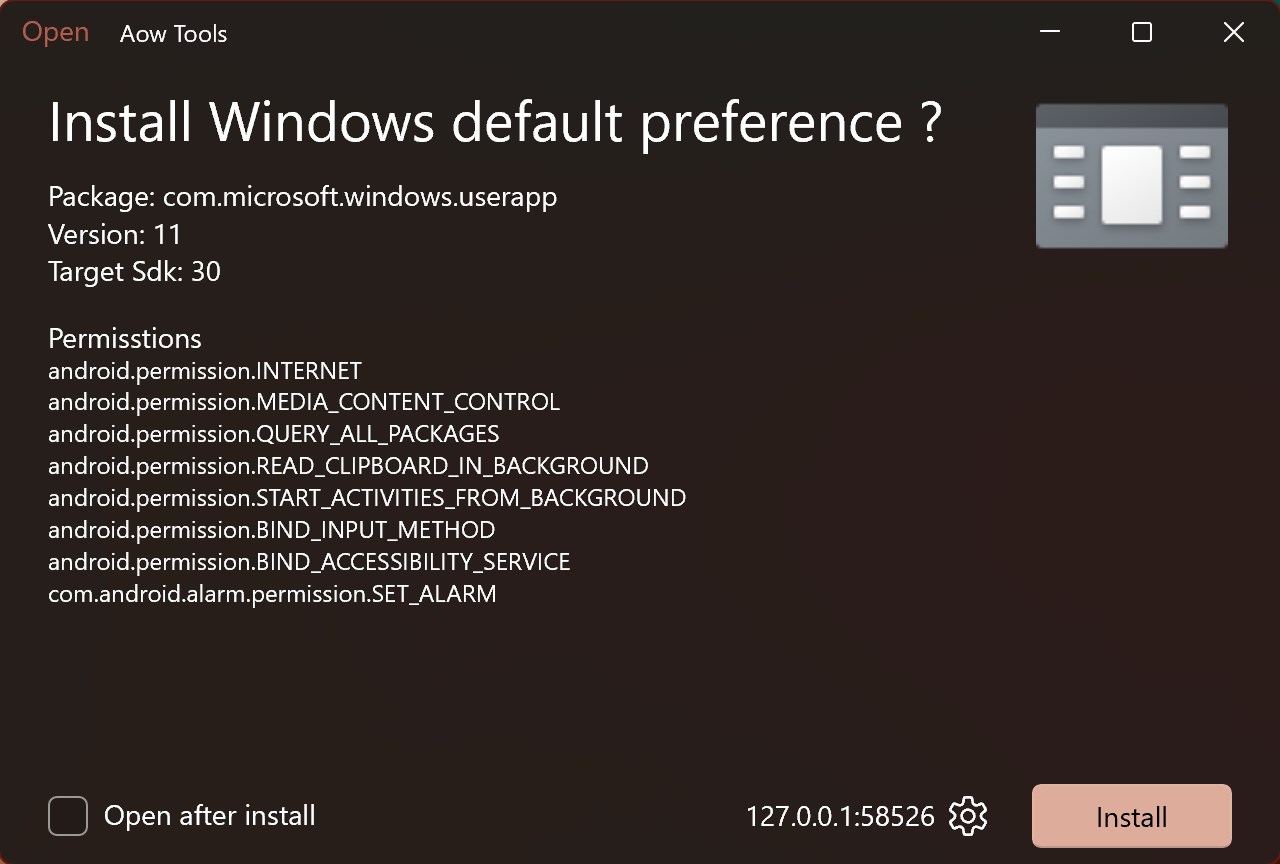
- Effortless App Installation: Sideload and install applications directly from your PC with minimal steps.
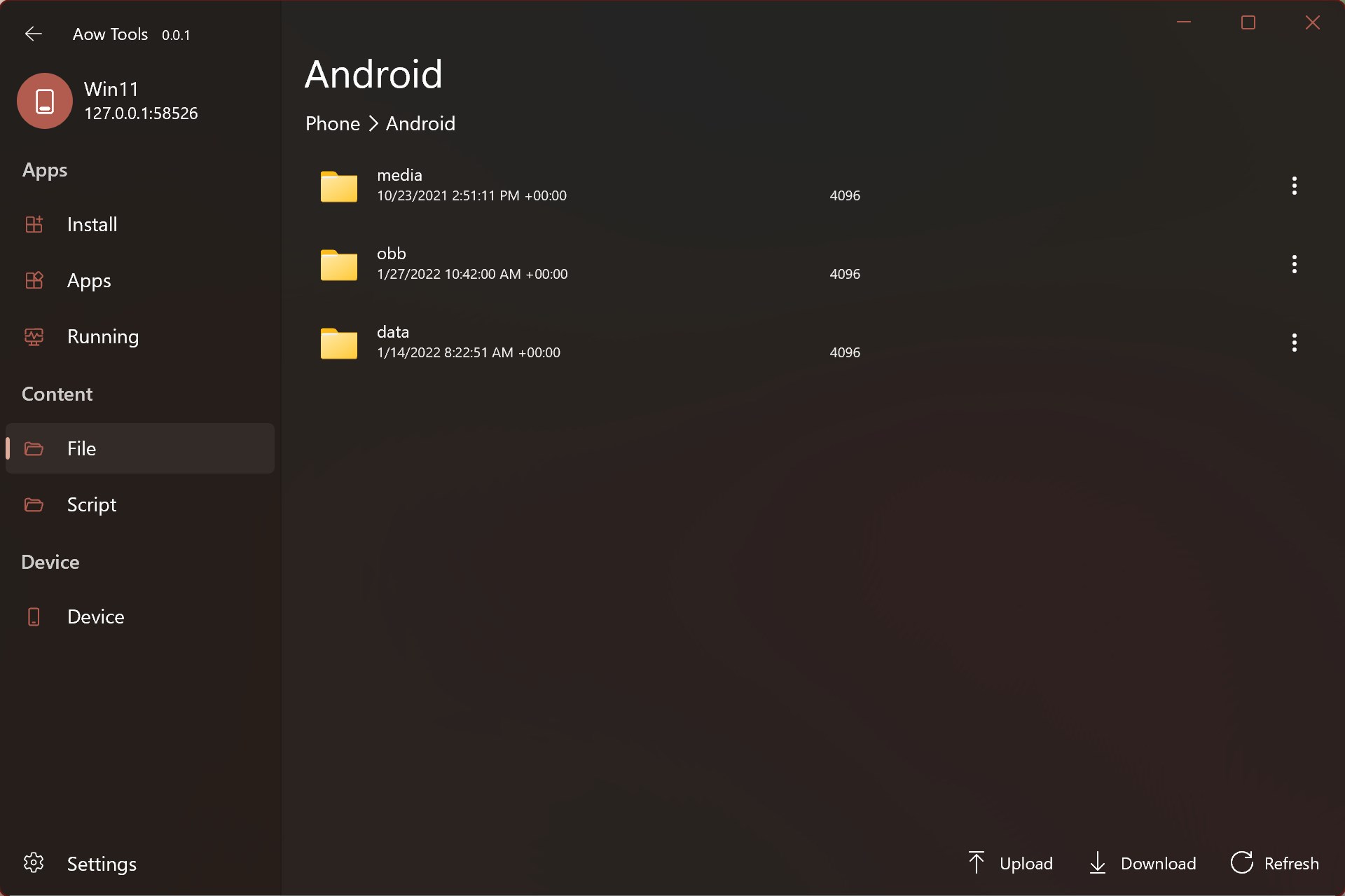
- Comprehensive File Management: Browse, transfer, and organize files stored on your Android system directly through a familiar desktop interface.
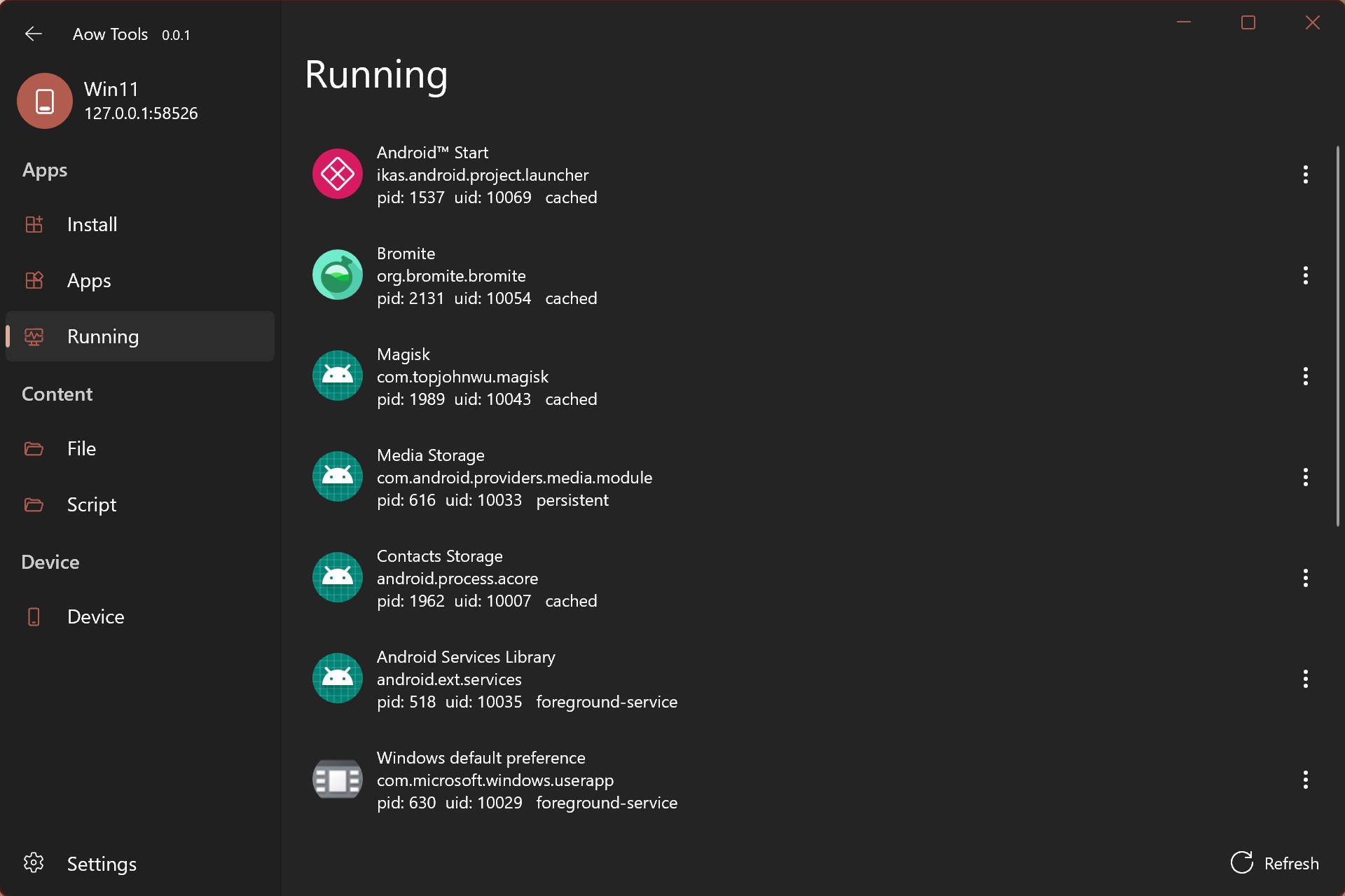
- App Lifecycle Management: Keep track of installed applications, manage system resources, and declutter your device efficiently.
Who Benefits Most from This Utility?
The utility is highly beneficial for developers who need to rapidly push test builds to emulators or physical testing units. It also serves general users who prefer the comfort of a physical keyboard and mouse when organizing large directories of photos, documents, or media files on their mobile hardware. Please note that the recommended operating system environment on the target device is Android 11 or higher; older versions may experience compatibility limitations.
Trial Flexibility and Support
One of the most user-friendly aspects of this software is its generous trial policy. Users can access an unlimited trial mode with no feature limitations, allowing you to thoroughly test its capabilities. If you find the tool indispensable for your workflow, a nominal purchase option is available to directly support the developer's ongoing optimization efforts.
Conclusion
For Windows users seeking a reliable way to oversee their mobile devices, this tool provides an elegant, no-nonsense solution. To explore its features firsthand, head over to the official Microsoft Store to evaluate the software and support the creator.