

Total File Commander Pro
Discover how Total File Commander Pro optimizes your Windows file management. Read our full review of its features, archive tools, and batch operations.
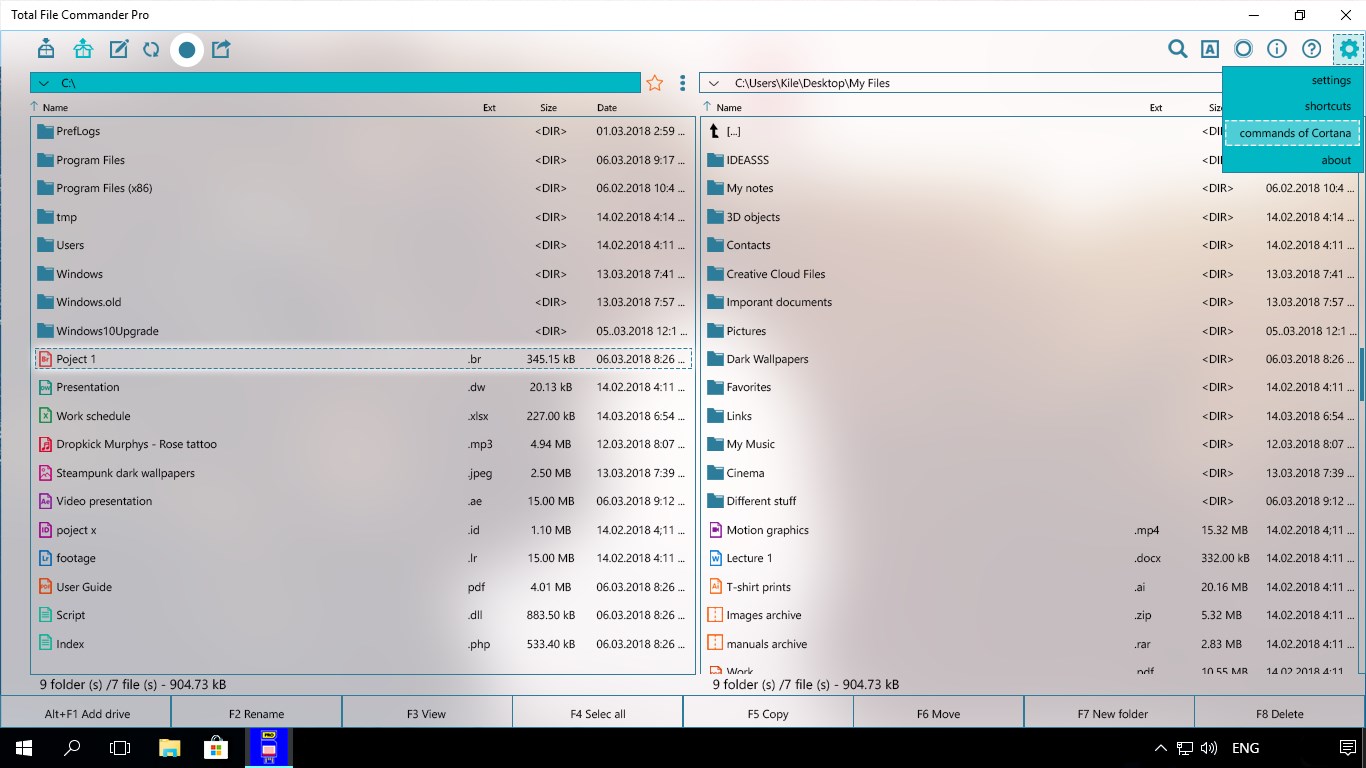
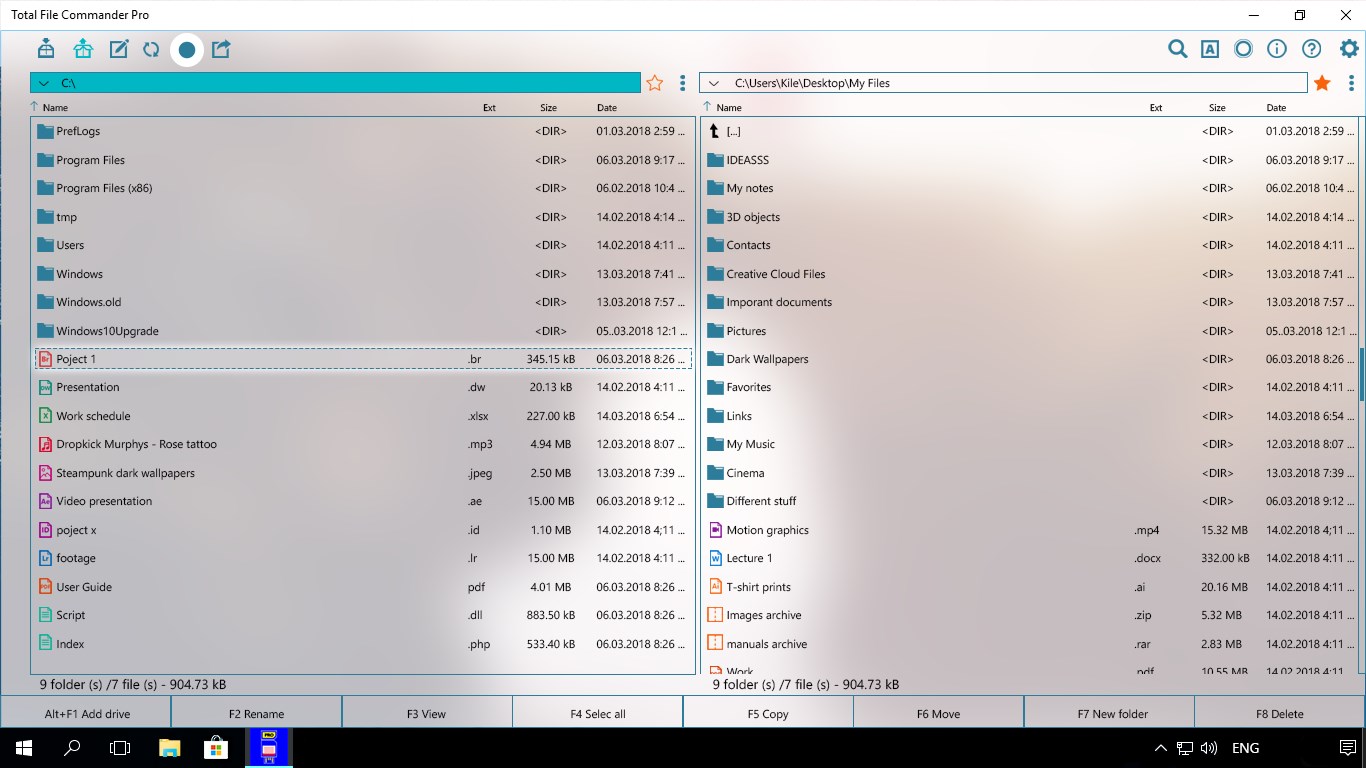
Managing local storage can quickly become overwhelming, but Total File Commander Pro file manager offers a highly structured approach to organizing directories on Windows. Developed by Andrii Leshchinskiy, this utility serves as an advanced alternative to standard system tools, designed specifically to streamline daily data handling. Whether you are dealing with deeply nested folders or sprawling media libraries, it provides a unified hub for precise file control.
Streamlined File Operations in Parallel Modes
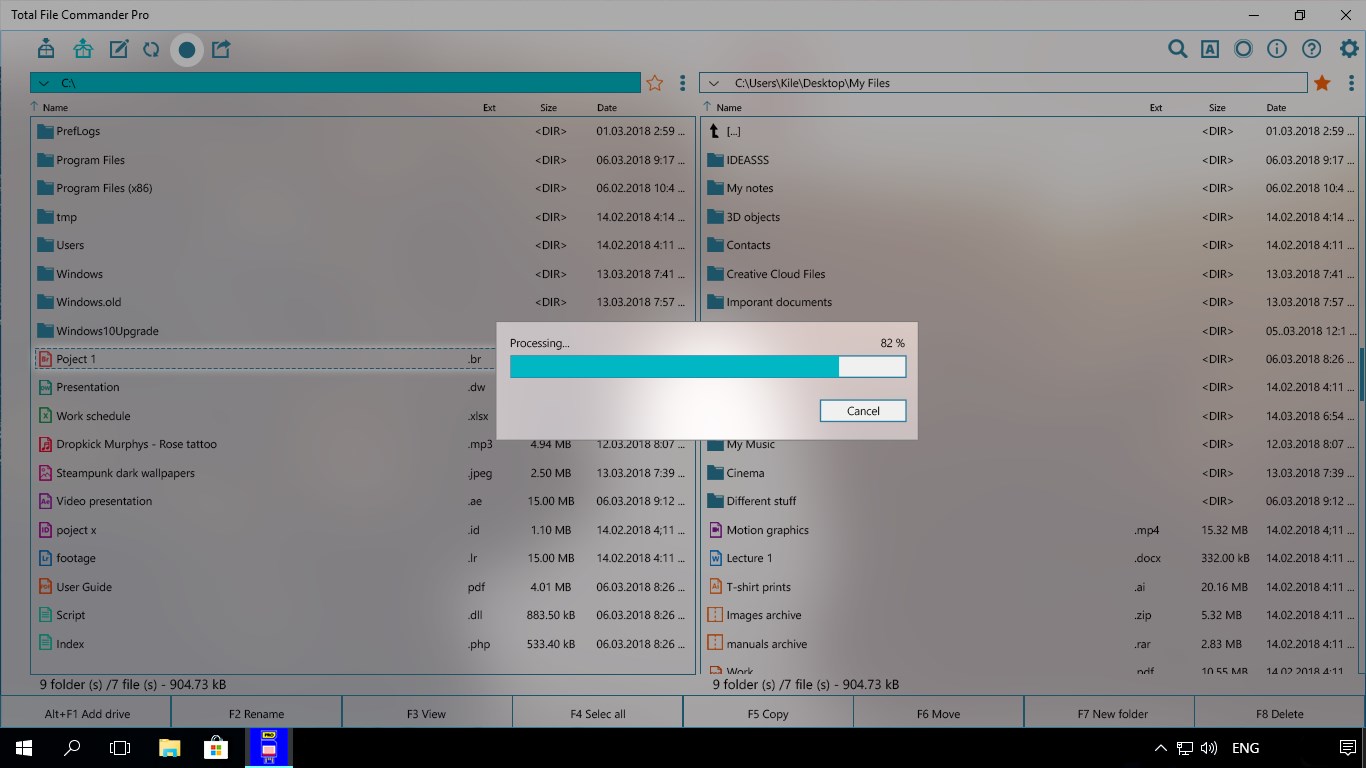
One of the standout features of the Total File Commander Pro file manager is its ability to process complex tasks without halting your workflow. Users can execute standard file operations—such as copying, moving, deleting, and renaming—in both serial and parallel modes. This dual-mode capability means you can initiate large data transfers in the background while continuing to organize other directories simultaneously, keeping your productivity uninterrupted.
Advanced Archive Integration and Deep Search
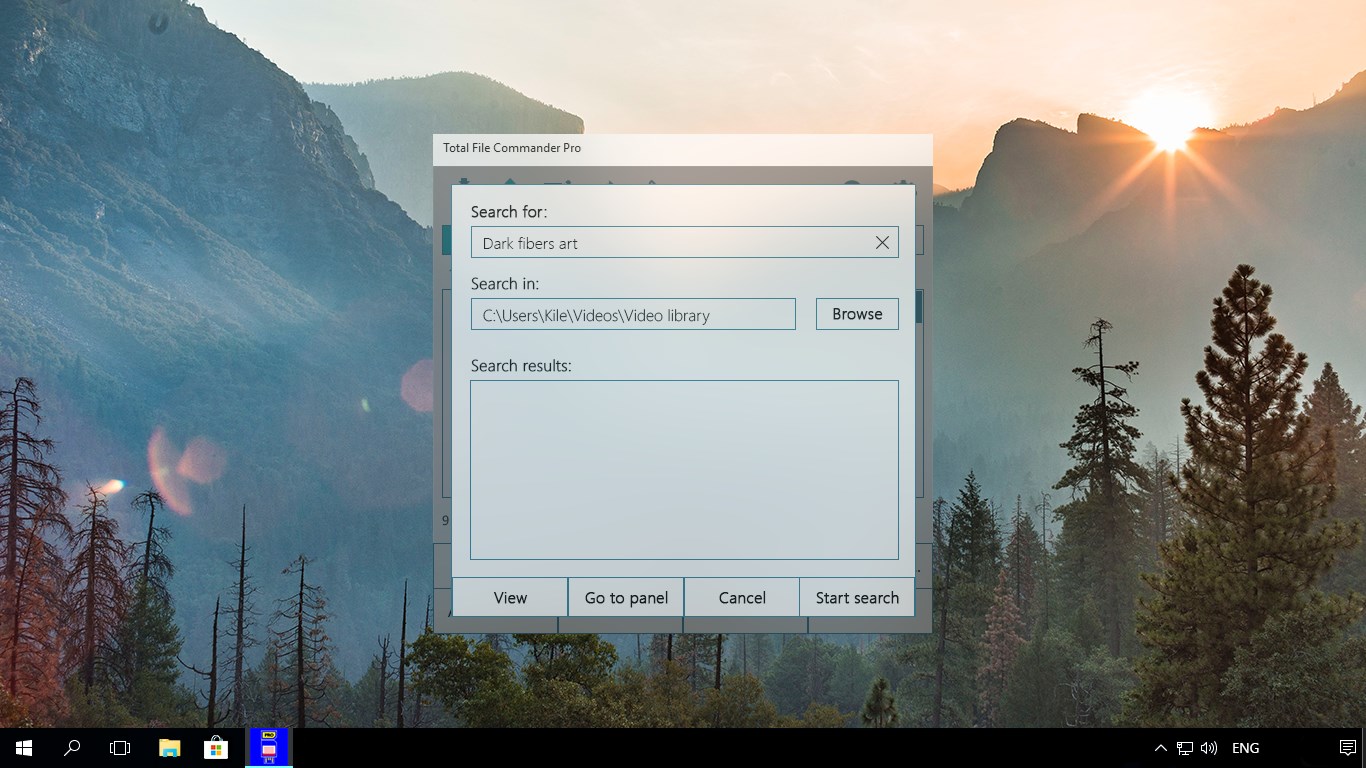
Handling compressed files often requires jumping between third-party utilities, but this application integrates archive management directly into its core interface. You can pack and unpack archives seamlessly. Additionally, the built-in search functionality is exceptionally thorough, allowing you to locate specific documents even when they are buried deep inside compressed archive formats.
Universal Performance and Operational History
Built on the Universal Windows Platform (UWP), the app is fully optimized for Windows 10 devices, ensuring a lightweight footprint and responsive navigation on laptops, desktops, and tablets alike. To help you keep track of your modifications, the software maintains a comprehensive history of your file operations, making it easy to audit recent changes and maintain structural order across your drives.
Is It Right for You?
For users who find the default Windows Explorer too limiting for heavy-duty sorting, this tool provides the depth and speed required for professional-grade organization. While basic functionalities are highly accessible, advanced features and an ad-free experience require a premium subscription following the trial period. To experience this streamlined workflow firsthand, you can find the application available on the official Microsoft Store.