
Real PC Cleaner
Read our comprehensive review of Real PC Cleaner for Windows. Discover how this tool optimizes storage, clears system cache, and removes duplicate files.
If your Windows computer is running sluggishly due to a cluttered hard drive, the Real PC Cleaner disk cleanup utility offers a straightforward, user-friendly solution. Developed by Xiaoya Lab, this specialized utility is designed specifically for Windows 10 and Windows 11 users who need to identify and eliminate unnecessary files that quietly hoard precious storage space.
Comprehensive Junk and Cache Removal
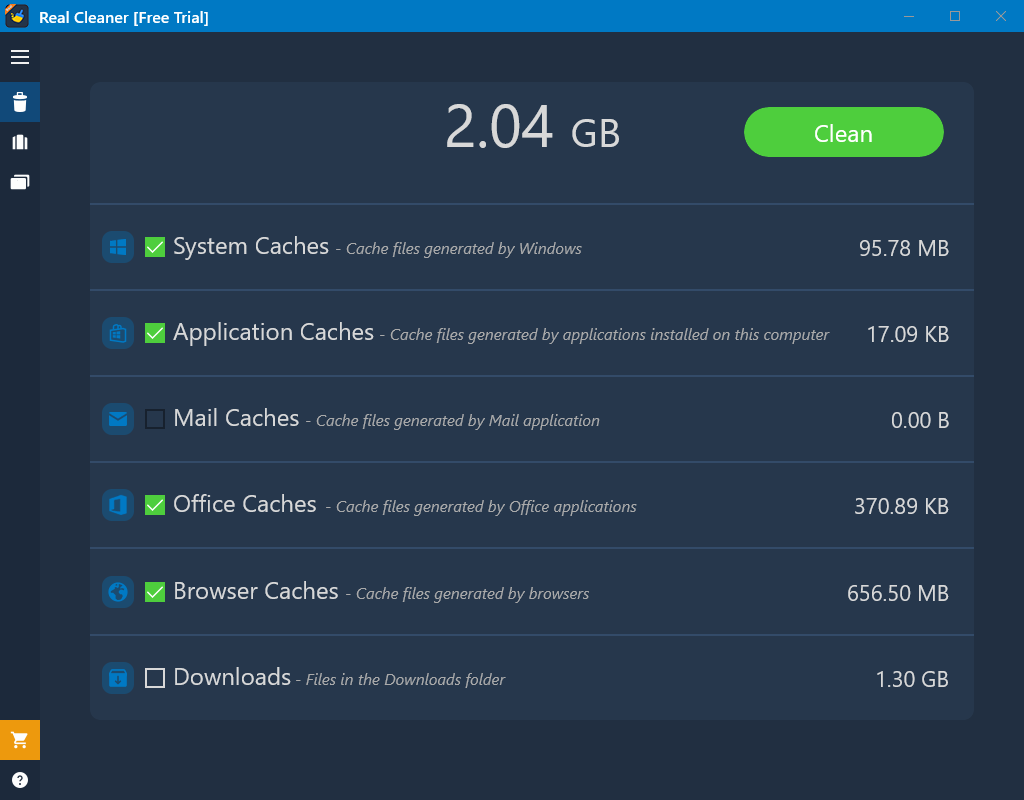
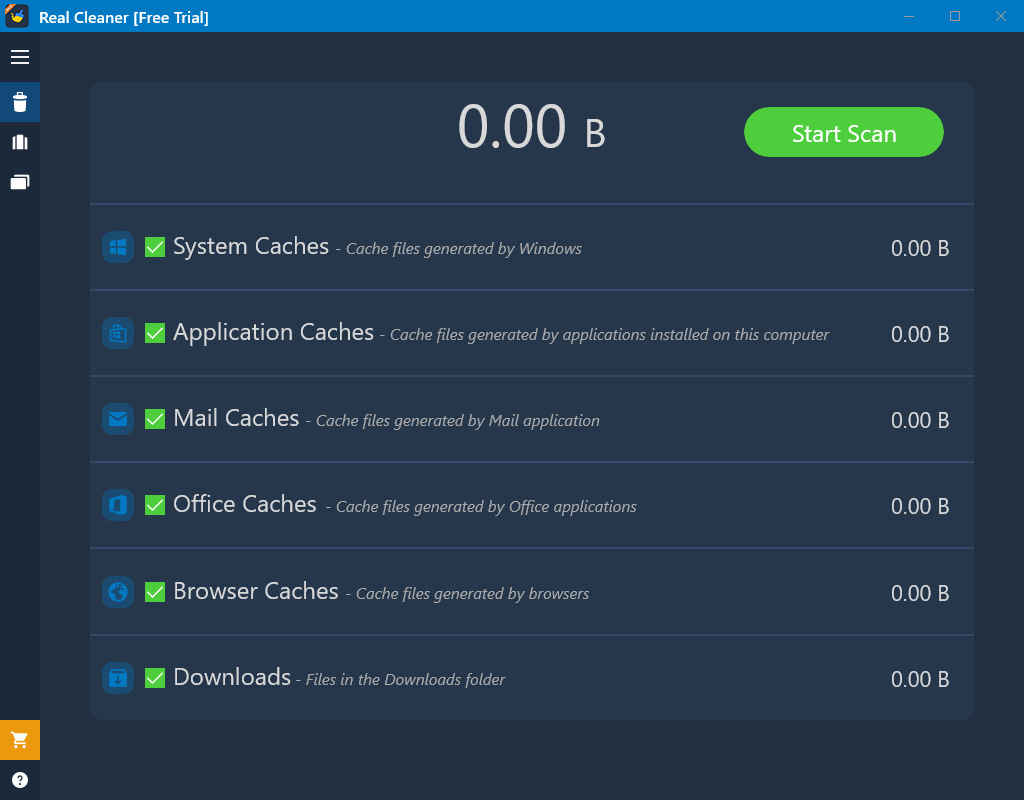
The primary strength of this application lies in its targeted scanning capabilities. Instead of a generic sweep that might put critical files at risk, the software categorizes digital clutter so you can make informed decisions. Users can selectively purge files across several distinct system areas:
- System and Application Caches: Temporary files generated by Windows and third-party software that are no longer needed.
- Mail and Office Caches: Leftover data from productivity suites and email clients that accumulate over time.
- Browser Caches and Downloads: Redundant web data and forgotten files sitting in your default download directories.
Advanced Storage Optimization Tools
Beyond standard junk removal, the Real PC Cleaner disk cleanup suite includes two powerful utilities to help you manage larger storage drains:
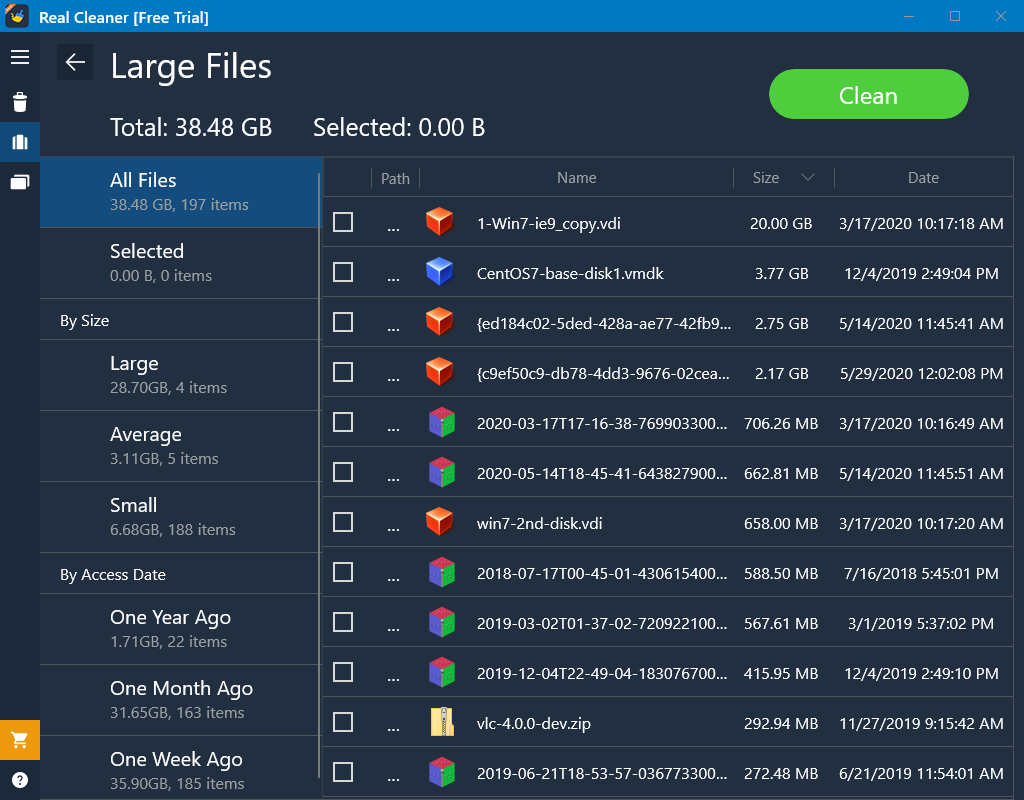
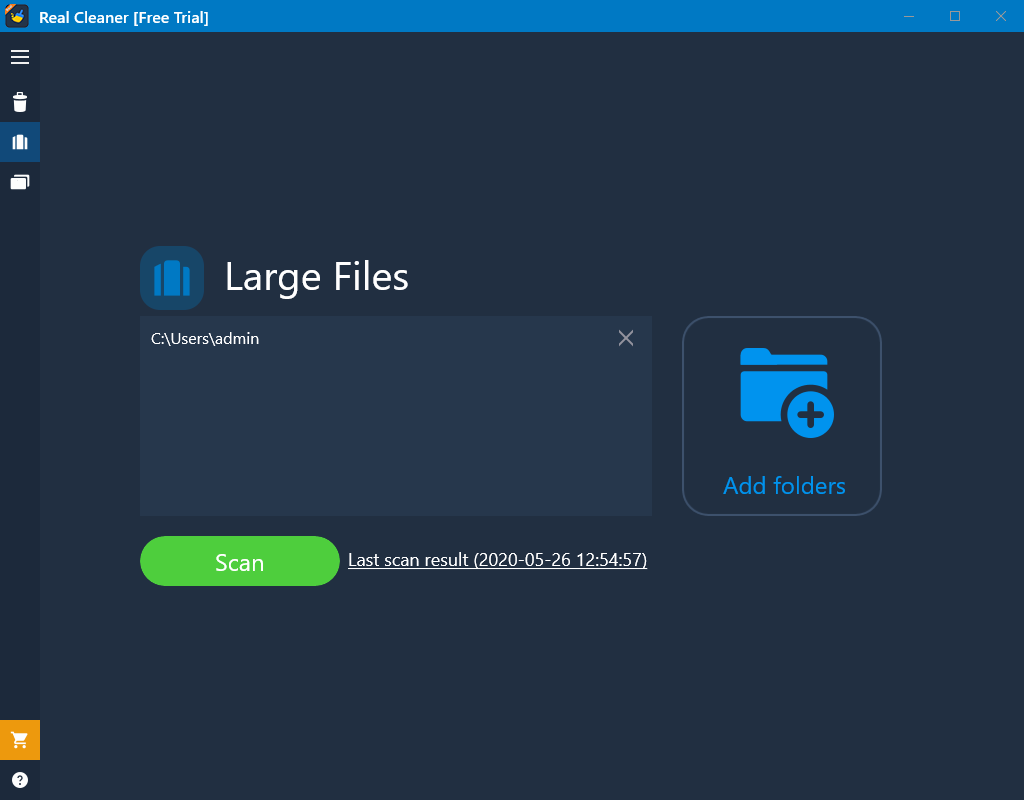
Large Files Finder
Often, a handful of forgotten high-definition videos or massive archive files are the main culprits behind a full drive. This tool highlights the largest files on your system, allowing you to delete them individually or batch-remove them in a single action.
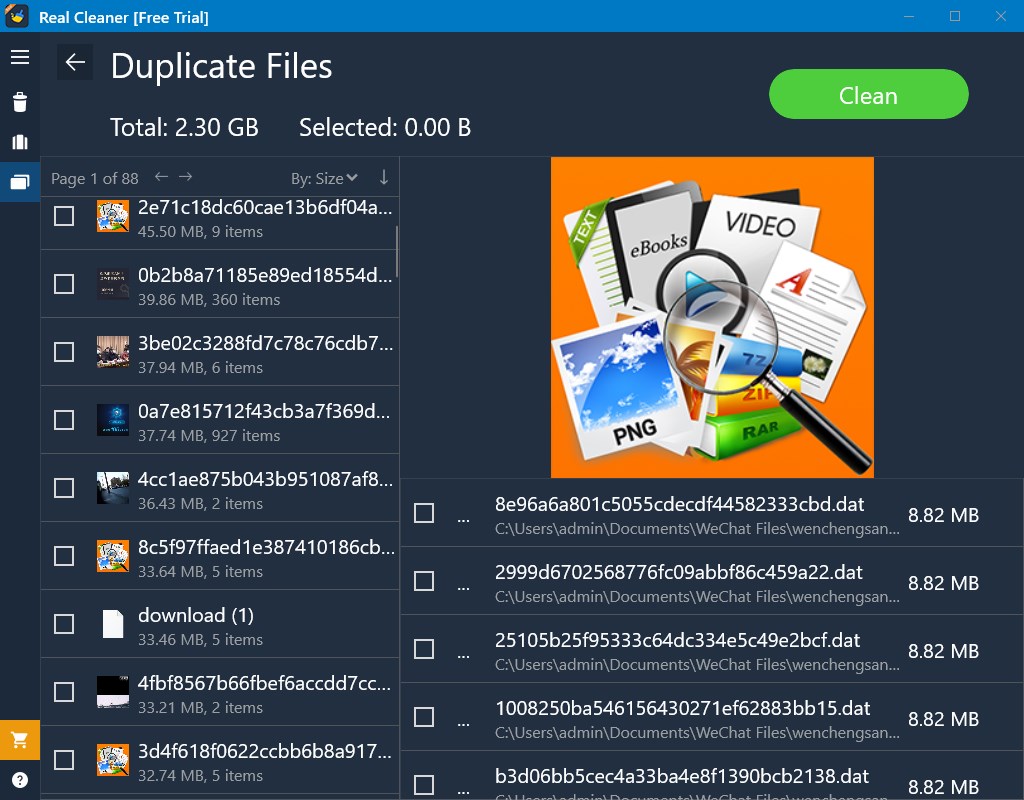
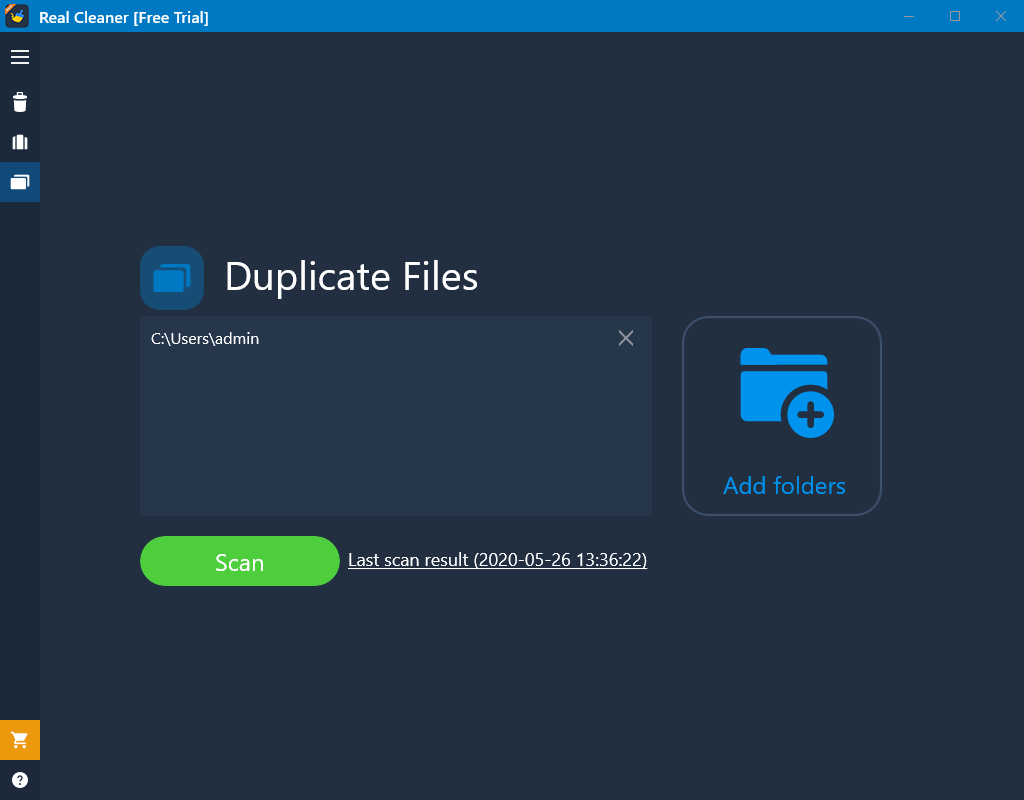
Duplicate Files Finder
It is incredibly easy to accidentally save multiple copies of the same photos, songs, or documents. This scanner identifies identical files across your directories, helping you consolidate your libraries and free up massive blocks of space.
Important Usage Considerations
It is crucial to note that files deleted through this application bypass the Recycle Bin and cannot be restored. The utility recommends using the built-in file location shortcut to review files before permanently deleting them. Additionally, note that this tool is strictly a storage optimizer and performance utility; it is not designed to function as an antivirus or malware removal tool.
Licensing Options
The application is free to download and includes a fully functional 7-day trial. Once the trial period ends, the software transitions to a limited free version where cleanup functions for the Large Files Finder and Duplicate Files Finder are locked. Users can upgrade to the unrestricted full version via an in-app purchase ranging from $1.99 to $9.99 depending on the tier.
Get Started Today
Ready to declutter your operating system? To try out these optimization features for yourself, head over to the official Microsoft Store page to download Real PC Cleaner for your Windows device.