

JSON Utilities Review: The Ultimate Windows JSON Editor
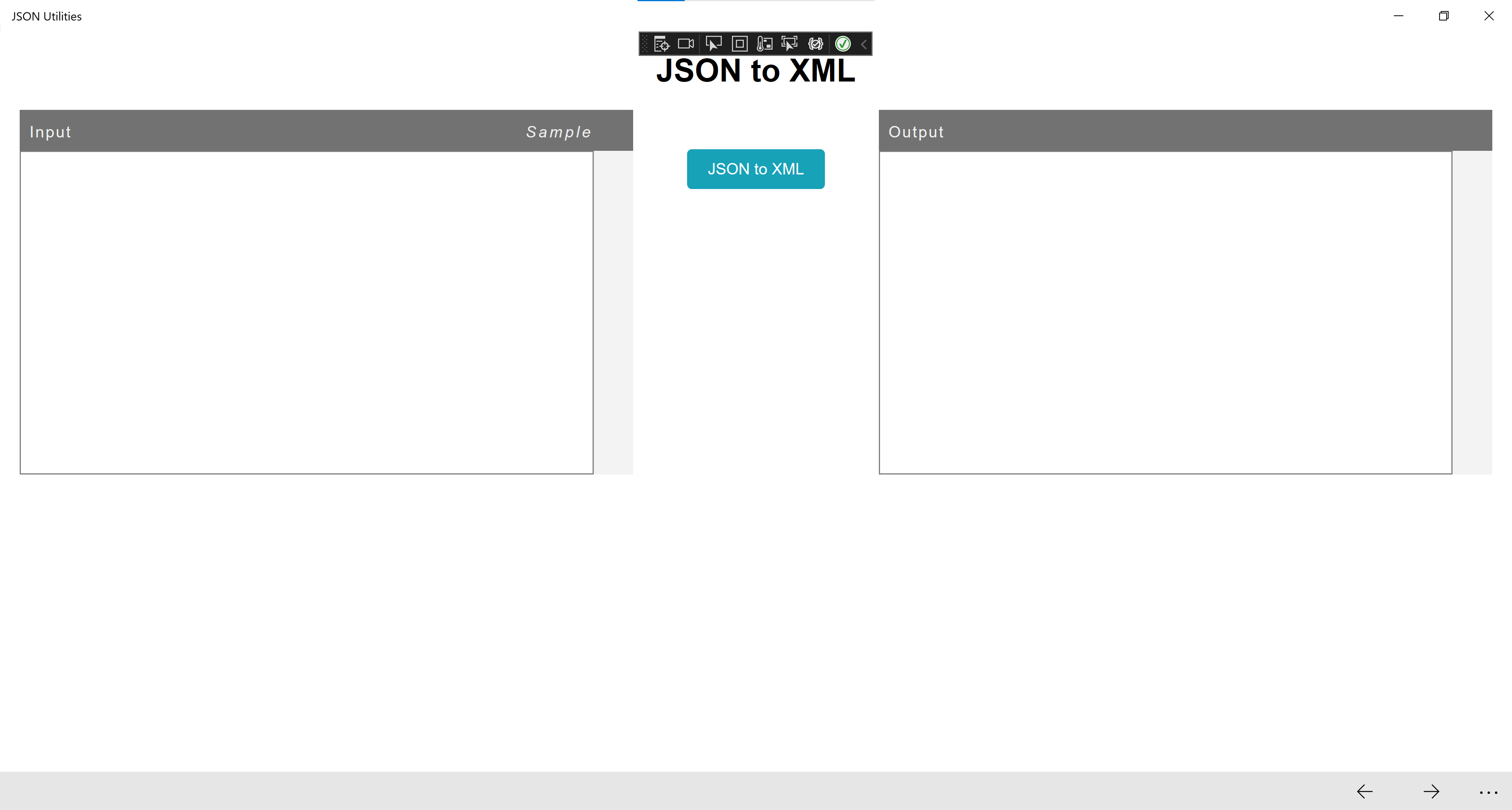
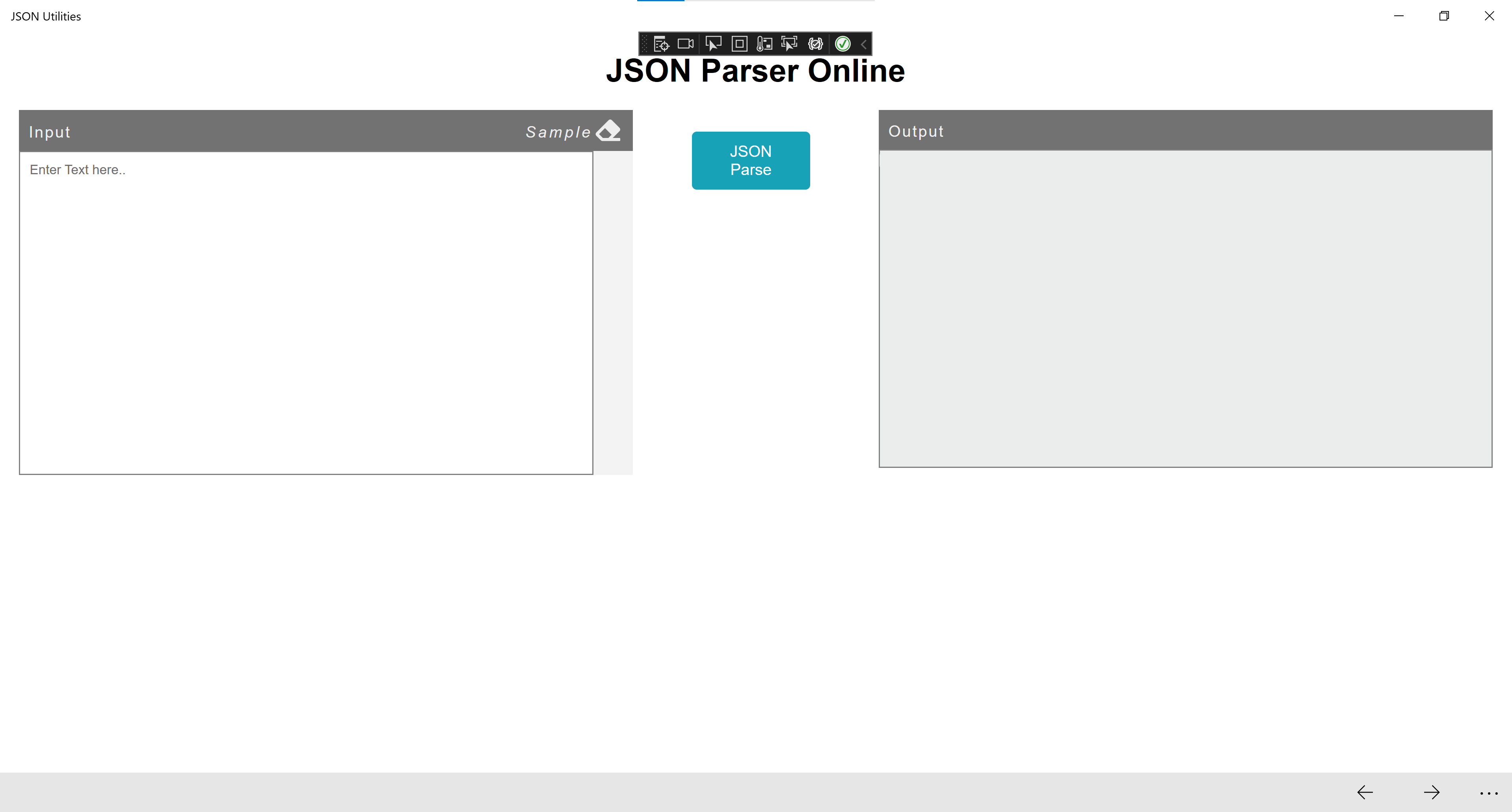
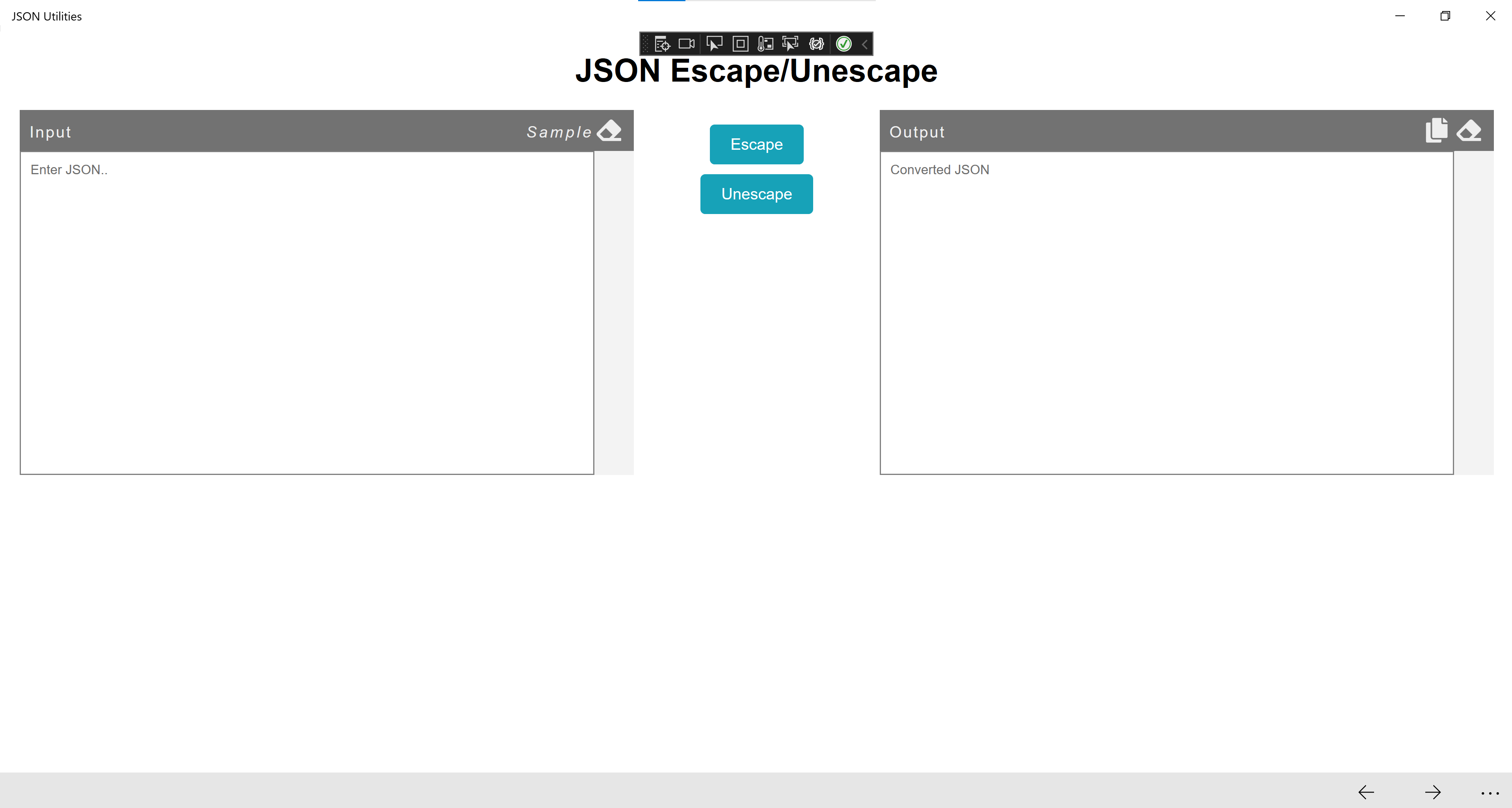

Explore our expert review of the JSON Utilities formatting tool for Windows. Learn how this free software simplifies JSON editing, querying, and comparison.
Handling raw API payloads can quickly become a bottleneck in any software development workflow. The JSON Utilities formatting tool for Windows offers a streamlined, offline solution to this everyday challenge. Developed by Tran Thi Hoa, this lightweight utility acts as a comprehensive workstation for parsing, beautifying, and debugging JSON structures without sending sensitive data to external web-based formatters.
Core Capabilities of the JSON Utilities Formatting Tool
Rather than forcing developers to switch between multiple single-purpose web tools, this application consolidates the essential JSON operations into a single desktop interface:
- Beautification and Formatting: Instantly transform minified, unreadable JSON strings into cleanly indented, human-readable hierarchical structures.
- Data Comparison: Side-by-side diffing allows you to quickly isolate structural or value-based discrepancies between two distinct JSON payloads.
- Querying and Filtering: Locate nested keys and extract specific datasets from massive JSON arrays using integrated querying mechanisms.
An Offline, Secure Environment for Sensitive Data
One of the primary advantages of utilizing a dedicated Windows desktop application like the JSON Utilities formatting tool is data privacy. Because JSON is the dominant data interchange format between modern clients and servers, these files often contain sensitive user data, API keys, or proprietary system configurations. Processing this information locally ensures that your corporate data never leaves your workstation, mitigating the security risks associated with online copy-paste utilities.
Who Is This Tool For?
This application is highly recommended for:
- Backend Developers: For validating and debugging API responses on the fly.
- QA Engineers: To quickly compare expected versus actual JSON payloads during integration testing.
- Data Analysts: Who need to run quick queries on static JSON exports without spinning up database environments.
Acquire JSON Utilities Safely
If you are looking to optimize your data-handling workflow, this highly rated utility represents an excellent addition to your development toolkit. To explore its features firsthand, you can find the application listed on its official download page via the Microsoft Store.